PROLOOK SportsQuickStrike
QuickStrike
Rebuilding a dealer-focused marketing site inside an older production environment
In short
- QuickStrike is mainly built for dealers looking for a manufacturing partner for custom team apparel, and its marketing site had a full-screen parallax design that had not aged well, especially on mobile.
- I owned the rebuild from the development side — all seven pages, the responsive behavior, the CSS and JavaScript, a preview for feedback, and deploying the finished work to production.
- The site is easier to use on mobile, more consistent with the brand, easier to maintain, and safer to deploy than the version I started with.

The situation
I was brought into PROLOOK’s marketing-side web work because they needed someone who could move quickly and get projects finished without waiting weeks for the normal development queue.
QuickStrike was one of the bigger examples.
The marketing site was built on an older PHP and Mustache setup with a full-screen parallax design that had not aged well, especially on mobile. The site still worked, but it did not match the way QuickStrike wanted to present itself anymore.
QuickStrike is mainly built for dealers looking for a manufacturing partner for custom team apparel.
Those dealers need to quickly understand what QuickStrike can manufacture, what its facilities look like, what technology and capabilities it has, and whether they can trust the company to handle their customers’ orders.
That means the website has to do more than look good. It needs to make the company feel established, capable, and easy to work with before a dealer ever reaches out.
If the site feels dated, is hard to use on a phone, or does not clearly show what QuickStrike can do, that trust can disappear before a sales conversation even starts.
The challenge was rebuilding that public-facing experience while staying inside an older production environment that did not have a modern build pipeline and could not simply be replaced with whatever framework I wanted.
My role
I owned the QuickStrike marketing-site rebuild from the development side.
The design direction came from our designer. My job was to take those mockups and turn them into a working, responsive production site.
That included rebuilding all seven pages, handling responsive behavior, writing the CSS and JavaScript, optimizing the assets, building the interactive pieces, testing the site across screen sizes, setting up a preview for feedback, and deploying the finished work to production.
I also worked with the marketing team throughout the build as changes came in.
This was not a project where I just received a design file and copied it exactly.
Some parts of the design needed to change once they were put into a real browser. Text had to scale properly. Logo walls had to work on phones. Videos needed fallback behavior. Animations had to stay smooth. Navigation needed to work across the whole site.
My job was to keep the design feeling the way it was intended while still making the site practical and easy to use.
I did not own the original PHP and Mustache structure or the separate dealer login and customizer systems. Those were already in place and lived on different infrastructure.
Before and after
The old homepage, then the redesign page by page. On a phone, each step shows the phone layout.


Before · Step 1 of 5
One full-screen parallax panel
The original homepage: a dark full-screen panel with a headline and a customer quote. Captured from the site’s June 23, 2026 backup.


Now · Step 2 of 5
A scrolling, mobile-friendly homepage
The redesign opens on the QuickStrike mark and “Superior Custom Team Apparel”, then scrolls into the company, its facilities, and customer reviews.


Now · Step 3 of 5
Titles as live text
Instead of keeping those titles as images, I rebuilt them as live text using the actual brand font.


Now · Step 4 of 5
Live clocks for each facility
Instead of showing a static time beside each facility, I built live clocks using JavaScript’s timezone tools. The five clocks show the United States, the Philippines, China, Cambodia, and Vietnam.


Now · Step 5 of 5
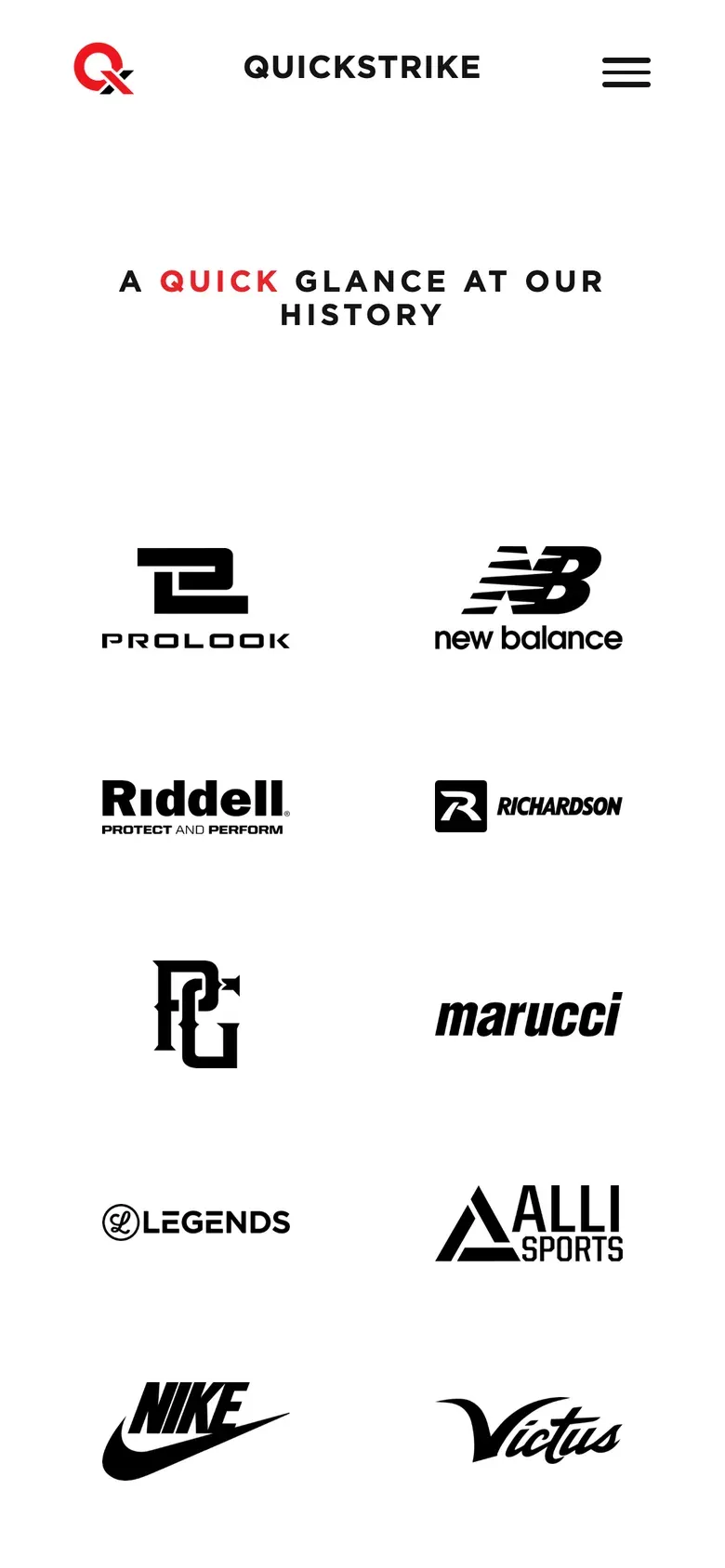
The partner-logo wall
Instead of turning dozens of logos into one large image, I built them as individual elements in a responsive layout. On mobile they collapse into a layout that is still readable instead of shrinking into tiny dots.
Step 1 of 5
On a phone
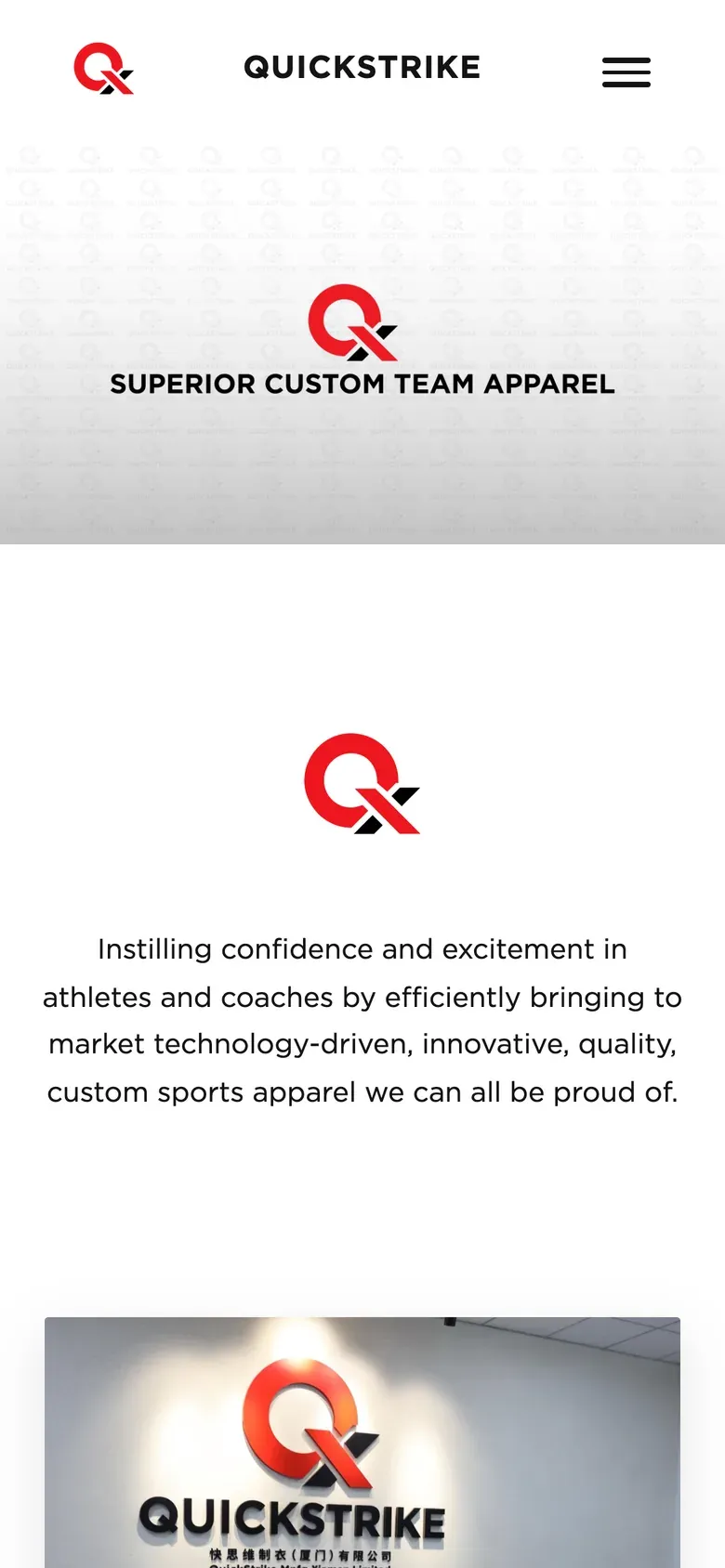
Home
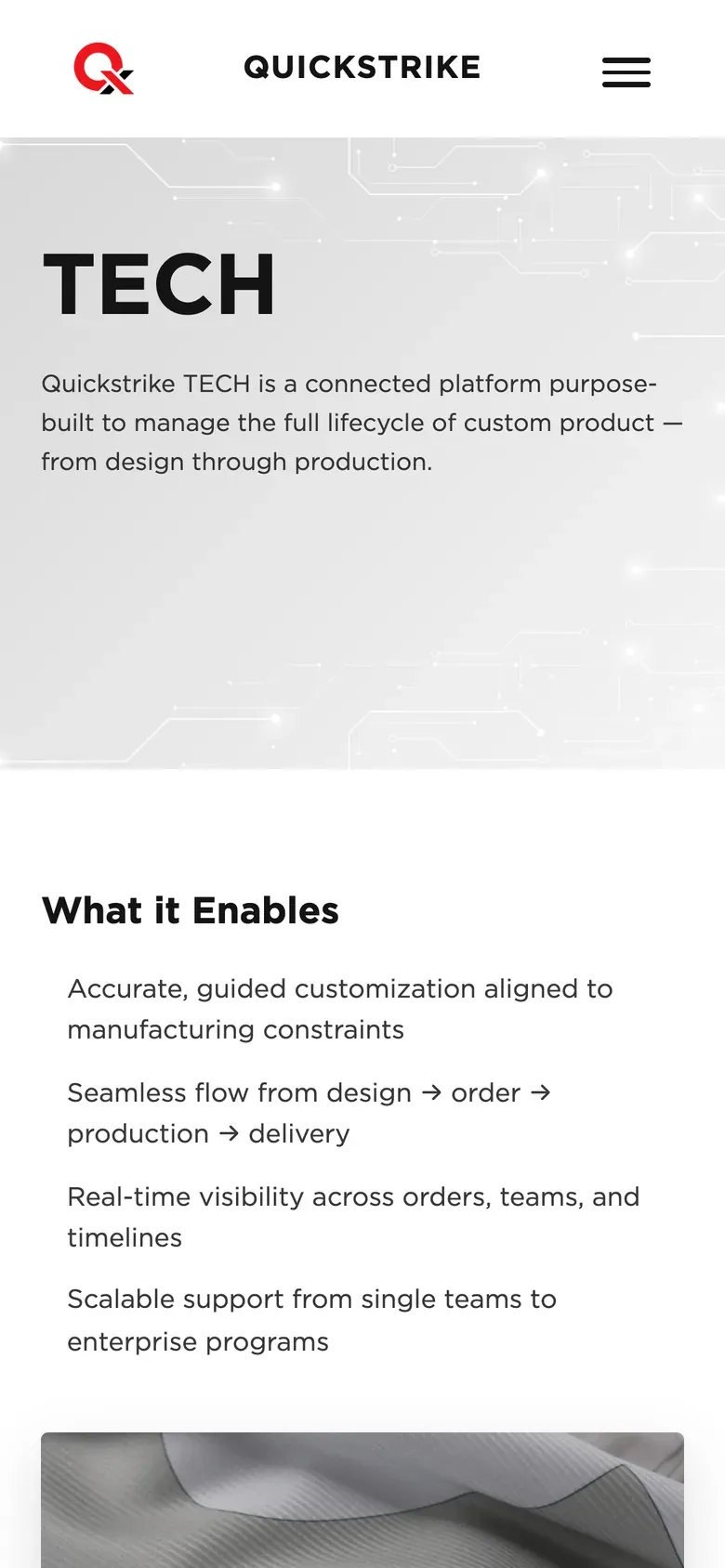
Tech
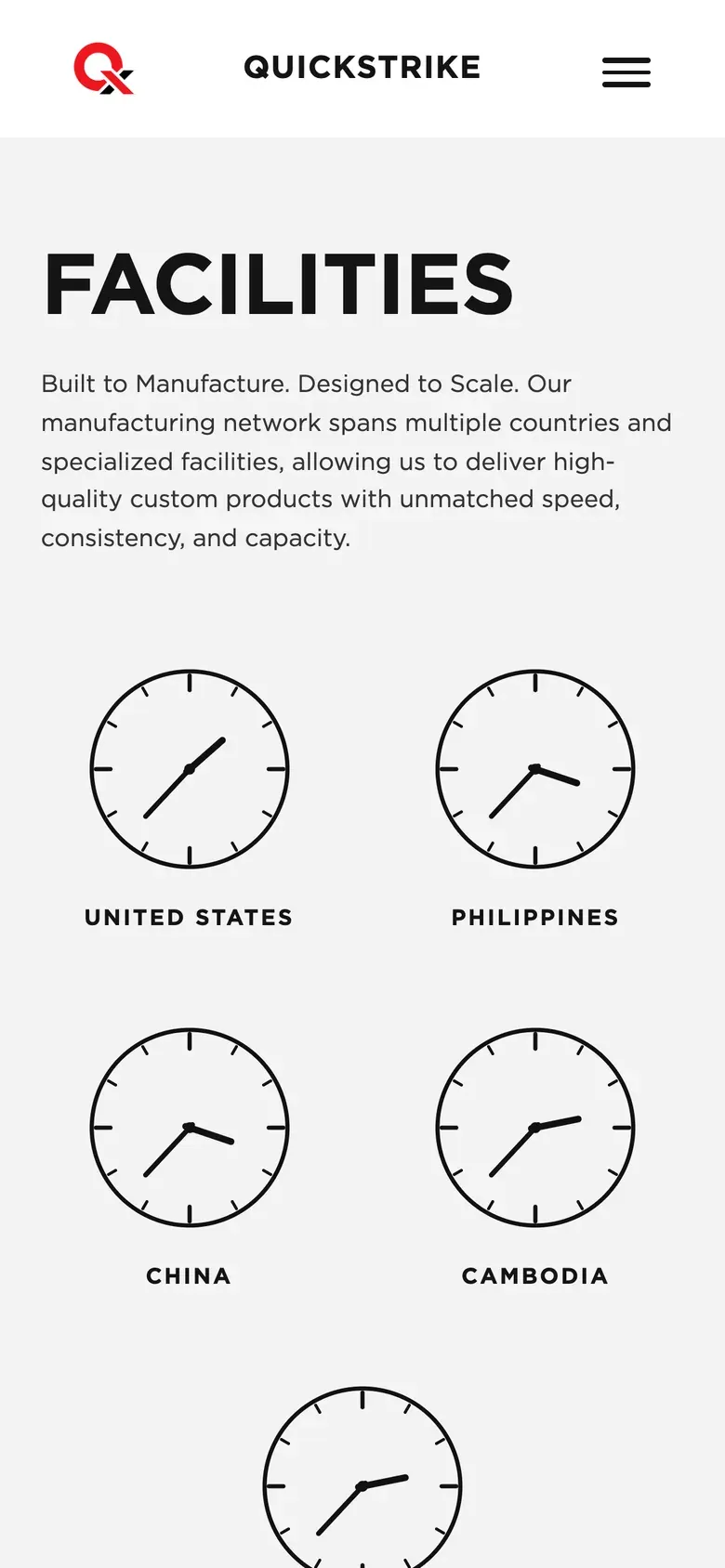
Facilities
History
Contact

The hard problem
The site looked correct on preview. The exact same code went to production, and the brand font disappeared.
Problem
After the redesigned site went live, every major heading and navigation item was suddenly using a fallback font instead of Gotham.
That was a big problem because typography was one of the most visible parts of the redesign.
The preview environment looked correct. Production did not.
First assumption
My first thought was that it was either browser cache or a different asset path in production.
Production handled some CSS differently than the preview environment, so it made sense that the font URL might be resolving incorrectly.
I checked the CSS and the @font-face rules. They were correct.
What I found
I started checking the font files themselves.
Instead of returning successfully, the .otf files were returning a 403 Forbidden response.
That meant the browser was asking for the right file, but the server would not let it read it.
I checked the file permissions and found the issue. The font files had been copied over with owner-only permissions. The image files were readable by the server. The fonts were not.
Nothing in the page itself threw a useful error. The browser simply fell back to the next available font.
Fix
I changed the font-file permissions to 644 on production so nginx could read them.
I also fixed the permissions on my local copies.
That second part mattered because I did not want to fix production once and then accidentally deploy the same bad permissions again later.
# Font permissions caused nginx to return 403 errors.
#   chmod 644 assets/fonts/*.otf
location ~* \.(otf|woff2?)$ {
    add_header Cache-Control "public, max-age=31536000, immutable";
}How I verified it
I checked each font file directly and confirmed they returned a successful response from production.
Then I loaded the live site and checked the navigation, headings, and footer to make sure Gotham was actually being rendered. The brand typography came back immediately.
I also added checking critical production assets to my deployment process instead of assuming that a working preview guarantees production will behave the same way.
Result
QuickStrike went from an older full-screen parallax site to a much cleaner, responsive marketing experience that works across desktop and mobile.
The new site gives dealers a better way to understand what QuickStrike can manufacture, what its facilities look like, what technology it uses, and whether it is the right manufacturing partner for them.
It also gave the marketing team a much better way to present the company, its capabilities, its partners, and its customer proof.
The redesign also gave us a safer way to release work. Instead of going straight from my machine to production, I created a separate preview environment where the team could review the site first. Once everything was approved, I backed up the production version and pushed the final changes live.
That process is repeatable now.
I do not have traffic or conversion numbers that I can verify for this project, so I am not going to pretend the redesign increased sales by some percentage.
What I can stand behind is what changed. The site is easier to use on mobile, more consistent with the brand, easier to maintain, and safer to deploy than the version I started with.
It also became another example of why PROLOOK continued giving me larger projects. They could hand me an older codebase I had never worked in before, give me the design and deadline, and trust me to figure out how to get it finished.
Full stack
- Front end
- HTML
- Mustache templates
- CSS
- JavaScript
- IntersectionObserver
- requestAnimationFrame
- Intl timezone APIs
- Bootstrap grid
- Backend
- PHP
- Mustache
- Brand and media
- Self-hosted Gotham fonts
- Background video
- Responsive images
- Poster images
- Forms
- Web3Forms
- Development and deployment
- SSH
- rsync
- AWS EC2
- nginx
- PHP-FPM
- Hostinger preview environment