
PROLOOK SportsLegends
Legends
Building a branded team-uniform storefront for Legends, powered by PROLOOK
In short
- Legends is its own sportswear brand, but PROLOOK manufactures and supports the custom team-uniform side of the business. Legends had never had a website, so this is its first, built as the branded storefront for that partnership.
- I owned the homepage development — the hero video, animated intro, uniform sport grid, team wall, favorites section, slide-out navigation, and the links into PROLOOK’s customizer.
- A dealer, coach, or team can choose the sport and gender they need and get sent into the correct PROLOOK design flow without needing to understand the systems behind it.

The situation
Legends is its own sportswear brand, but PROLOOK manufactures and supports the custom team-uniform side of the business.
The Legends website is the branded storefront for that partnership. Legends didn’t have a website before this one.
Someone visiting the site should feel like they are shopping through Legends, but underneath that experience the uniform products and customization flow are powered by PROLOOK.
That made the project more than just building another landing page.
The site had to feel like Legends, follow its brand direction, and still connect cleanly into PROLOOK’s existing uniform customizer and manufacturing system.
A dealer, coach, or team should be able to land on the Legends site, choose the sport and uniform they need, and move into the correct design experience without needing to understand that two different companies and systems are working behind the scenes.
My job was to build that front-end experience and make that handoff feel seamless.

My role
I worked as one of the developers across PROLOOK’s web projects, and on Legends I owned the homepage development.
The Sage 11 theme, Tailwind setup, and overall brand direction were already in place.
I worked from the design team’s Figma files and built the actual experience inside WordPress.
That included the hero video, animated intro, uniform sport grid, team wall, favorites section, slide-out navigation, footer, responsive behavior, ACF fields, and the links into PROLOOK’s customizer.
I did not build the customizer itself.
My responsibility was making sure the Legends experience handed users into it correctly every time.
That meant each sport, gender, and call to action had to point to the right place without turning the site into a mess of hard-coded links.
Walk through the homepage
legends-custom.com is one page. Scroll to move down it. The numbers mark each section and where it sends people.
The homepage
Contact Us and "Legends Are Made Here" go to the customizer. Menu opens the slide-out navigation.
A looping lacrosse video, with the "Legends Are Made Here" band under it.
Fourteen sport pictograms. Each one sends people into PROLOOK's customizer.
A second looping video, of lacrosse, basketball and baseball jerseys.
Eight team photos, each linking to the club's Instagram.
Eight products, each opening a filtered list of designs in the customizer.
Every customizer sport, plus tools, legal pages and social links. All the sport links go to the customizer.

On a phone

Step 1 of 3
The first screen
The hero, then the sport grid. On a phone the grid shows four sports at a time, with an arrow to move through the rest.

Step 2 of 3
Sections become carousels
The team wall and Team Favorites work the same way, a few items at a time with an arrow button.
Step 3 of 3
The footer
The footer lists every sport in the customizer, in two columns on a phone.
Step 1 of 3
The slide-out menu


Step 1 of 3
Men, Women, Customize
Men and Women open a list of sports. Customize goes to the customizer’s sport picker. Legends.com goes to the Legends brand site.


Step 2 of 3
The men's sports
Twelve sports. Each one links to that sport’s men’s designs in the customizer.

Step 3 of 3
The women's sports
Ten sports, each linking to the women’s designs. These two panels are the ones in the hard problem below.
Step 1 of 3
Where the links land
The homepage, navigation, and footer all send users into PROLOOK’s uniform customizer. I did not build the customizer itself. My responsibility was making sure the Legends experience handed users into it correctly every time.

Step 1 of 2
A sport's designs, in PROLOOK's customizer
Lacrosse in the Men panel lands here, on PROLOOK’s customizer with the sport and gender already set. This page is PROLOOK’s, not part of the Legends site.


Step 2 of 2
The customizer's sport picker
Customize, “Legends Are Made Here” and the Design Your Uniform grid land on PROLOOK’s sport picker.
Step 1 of 2
The sections
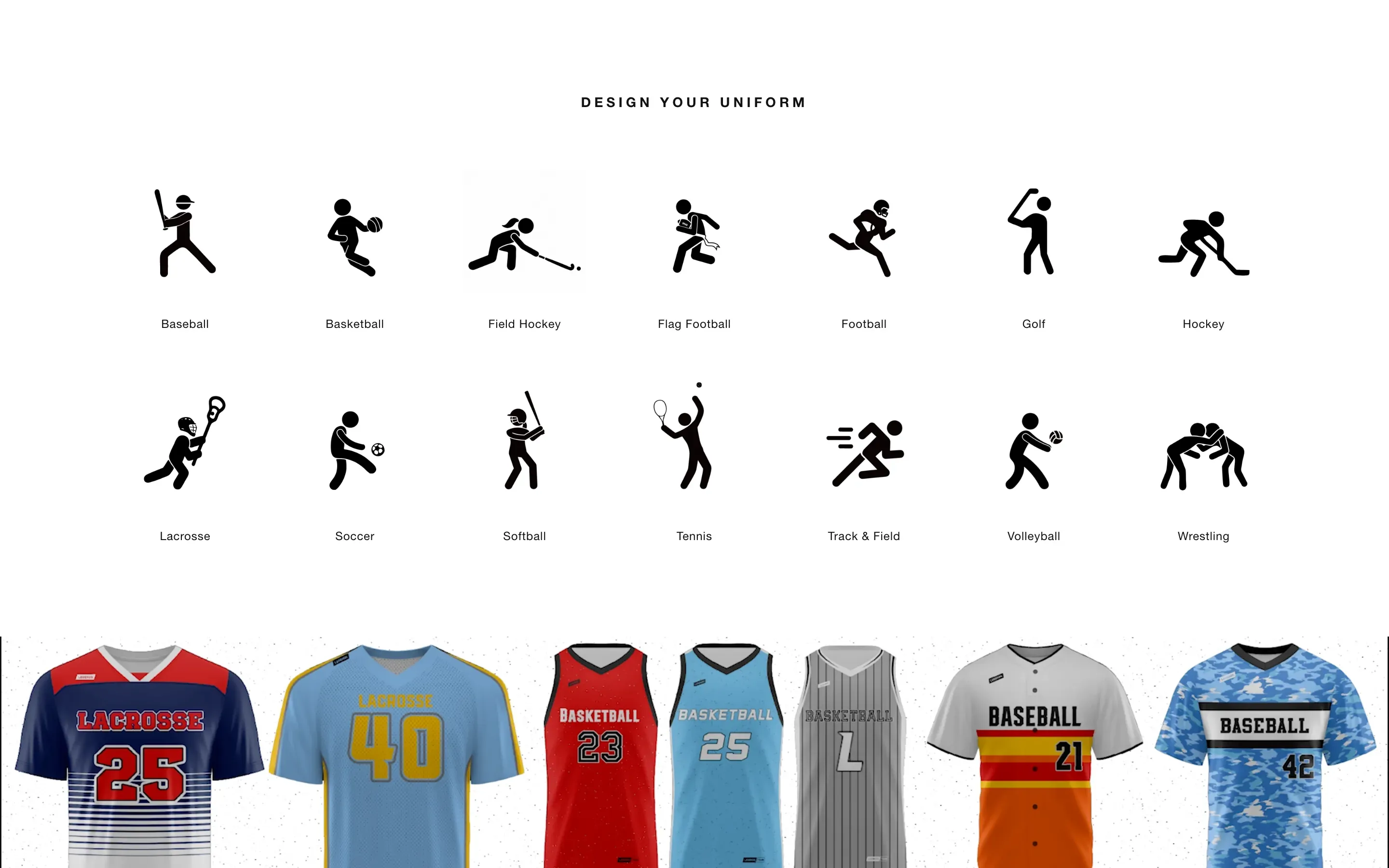
Design Your Uniform
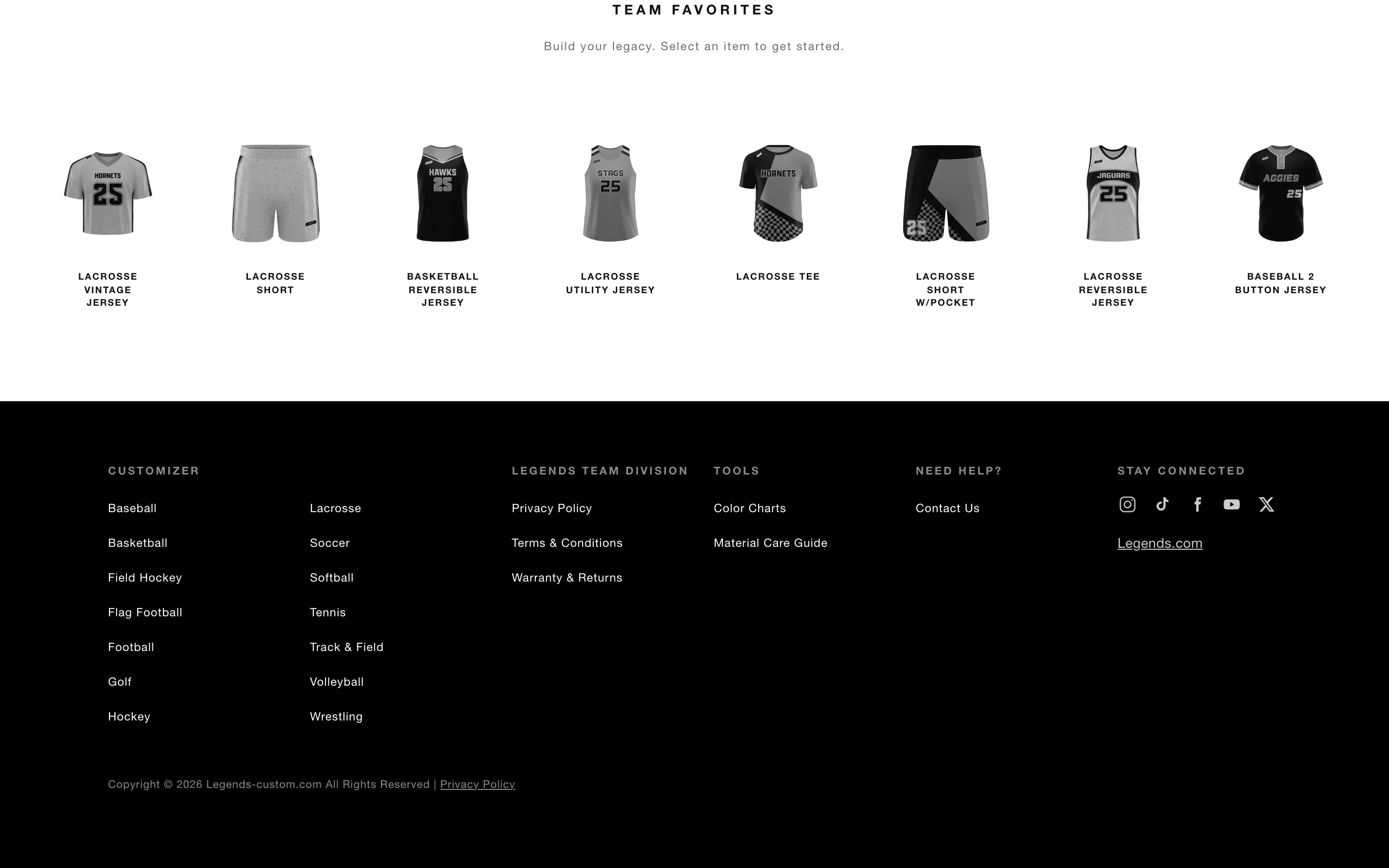
Team Favorites
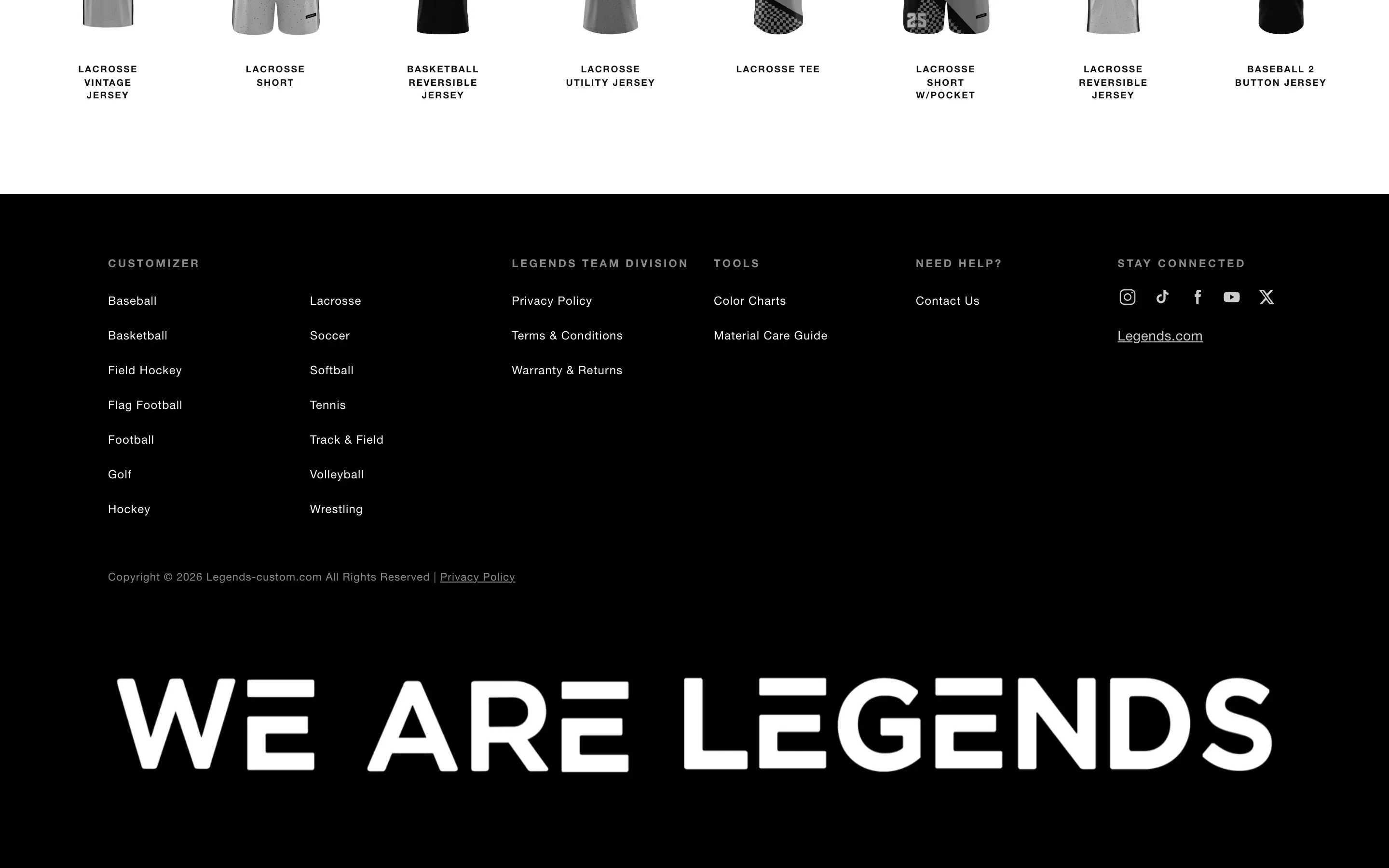
Footer


The hard problem
Opening one gender in the mobile menu sometimes showed the other one, even though the menu logic was correct.
Problem
The mobile menu has separate sport lists for men’s and women’s uniforms.
After the menu was built, opening one of those views could leave the wrong list visible.
At first it looked like a simple logic mistake. The two panels are nearly identical, so the obvious explanation was that the wrong view was being selected.
First assumption
I checked the state and button bindings first. They were correct.
That made me think it might be a stale asset or caching issue.
After another refresh and test, the problem was still there.
What I found
I started capturing the menu during the actual interaction instead of only checking the final state. That showed the view logic was working. The problem was the scroll position.
The two gender panels sit next to each other inside a horizontal overflow container. When I opened a panel, the script moved keyboard focus to the first link inside it.
The browser was trying to help by automatically scrolling that focused element into view. Because the incoming panel was still positioned beside the current panel, that automatic scroll moved the whole container and could leave the wrong side visible.
The menu logic was right. The browser’s focus behavior was moving the drawer.
Fix
I fixed the actual cause instead of trying to force the panel back into place afterward.
I moved focus using preventScroll: true, which lets keyboard focus move without allowing the browser to scroll the container.
I also changed the drawer so the overflow could not be manually scrolled into the wrong position.
That stopped the movement at the source.
// Move focus into the panel without scrolling the drawer.
function openPanel(panel) {
  drawer.dataset.view = panel.id;
  panel.querySelector('a')?.focus({ preventScroll: true });
}// Keep the men's and women's panels side by side.
.drawer {
&__track {
display: flex;
overflow: hidden;
overscroll-behavior: contain;
}
&__panel {
flex: 0 0 100%;
}
}How I verified it
I repeated the exact interaction at mobile and desktop widths.
I opened the men’s view and captured it. Then I opened the women’s view and captured that. Each button now consistently opened the correct list.
I also checked the container’s scroll position after the view changed. If that value moves again in the future, it gives me a clear signal that the bug has come back.

Result
Legends now has a storefront that feels like its own brand while still connecting cleanly into PROLOOK’s manufacturing and uniform-design systems.
The intro animation, hero, uniform grid, team content, navigation, and footer all work together as one experience instead of feeling like separate pieces.
The most important part is the handoff into the customizer.
A dealer, coach, or team can choose the sport and gender they need and get sent into the correct PROLOOK design flow without needing to understand the systems behind it.
The site also gives marketing much more control than a hard-coded homepage would have. Photos, videos, copy, links, and other content can be updated through WordPress without needing me to change the template every time.
I do not have a conversion or customizer-entry number I can verify for this project, so I am not going to attach one.
What I can stand behind is that the homepage, navigation, footer, and customizer links now work together as one responsive system and are much easier for the marketing team to manage.
Full stack
- Front end
- HTML
- Blade templates
- Tailwind CSS
- JavaScript
- SVG animation
- CMS and backend
- WordPress
- PHP 8.4
- Sage 11
- Acorn
- Laravel components
- ACF Pro
- Yoast SEO
- Build and deployment
- Vite
- npm
- WP Engine
- Git / GitHub
- Tooling and QA
- fontTools
- Headless Chrome
- MySQL